Saturday, July 18, 2015

Making parameterized ClickOnce installers work

Alright. I spent entirely too long working on this one purpose yesterday. Judging by the state of internet questions on the topic, others have also spent too long working on this one purpose. Since I did end the night with a functioning system, I thought today I would write how I did it.

Two days ago I live streamed development for a short while, and wanted to let people on the stream test the game with me, and give feedback. I've had click-once based installers for years, but I found myself missing a certain feature. I wanted to be able to authenticate users, and be able to selectively enable clients. I wanted to be also able to give out custom URLs to people to download the game from, in a way that modified their installation so that I know which URL the game was installed from. Each installation URL should still self-update normally, however, and I want to be able to get rid of a given URL and authentication easily at a later date.

So this is a story about how to parameterize a click-once installation.

Attempt 1: Use query parameters on the installation URL to provide unique data to each installation URL.


My first idea was to write a script on the build server that generated a unique URL for the installer using a unique identifier placed in the query-string. So instead of installing from World/World.exe, the link would be World/World.exe?id=yourcustomidentifier.

This attempt ultimately failed, but in finding that out I solved other related problems, so here were the steps and their problems and solutions:


  1. Building the unique links turns out to be easy: 
    1. PowerShell scripts can generate Guids by invoking the .NET class libraries as in $authGuid = [guid]::NewGuid().ToString().
    2. Likewise in MSBuild use the following in a PropertyGroup: $([System.Guid]::NewGuid())
  2. Getting the query parameter to be used by ClickOnce is less easy:
    1. Like many aspects of ClickOnce, it has become obvious that it was not meant to be used by build scripts. Passing the query parameters into the installer requires setting a flag in the application manifest; but there is no means to set this flag using the command-line Manifest Generator (mage). Since we don't want a person involved for every run, UI solutions will not work either. This leaves us with editing the manifest xml ourselves.
      1. Specifically, we need to add trustURLParameters="true" to the  xml tag in the root of the manifest.
      2. In PowerShell I did this hacky monstrosity:
        1. (gc <product>.application) -replace '<deployment ','<deployment trustURLParameters="true"' | Out-File -Encoding "UTF8" <product>.application; exit;
        2. Basically, a string replacement, but take care:
          1. Problem 1: My build script was not powershell, but rather a batch file! Running powershell from the batch requires careful escaping, and looks like powershell -Command "{above command with escaped quotes}"
          2. Problem 2: Why the 'exit'? Because powershell was stopping script execution and that seems to fix it.
          3. Problem 3: Don't forget the -Encoding! My manifest got corrupted and unusable without it. I think it had to do with BOM (Byte order marks).
          4. Problem 4: Be VERY careful to do this operation BEFORE you do any signing of the application file, obviously signing has to come last.
      3. Really it's just amazingly painful using mage.exe.
    2. And now the kicker; This doesn't work!. Why not? Because the links I provide are not to the application, but rather to a bootstrapper Setup.exe that ensure prerequisites are installed, such as the .NET Framework. The bootstrapper does not forward query parameters, which makes sense, it's an EXE, very separate from the URL itself.


Attempt 2: Find some other way to parameterize that is readable during the run of the installed application


  1. So query parameters are out. What else can be use? The next approach I tried was to encode the identifier into the filename itself. So now the download link would look like World/World-identifierhere.exe.
    1. This fails for similar reasons as above; This is the filename of the bootstrapper; not the application manifest. ClickOnce provides access to the launch URL in C#, but this does the application URL, not the bootstrapper EXE URL.
  2. Next attempt: The bootstrapper contains in it the URL of the application; maybe we can add a query-string there and the application will receive it?
    1. So now we have to make a custom Setup.exe for every user that embeds their identifier; this is surprisingly not that difficult! The Bootstrapper is built using MSBuild, and customizing the URL to include a new Guid is not hard
    2. But a new problem arises: When I attach a query to the URL, the bootstrapper no longer works automatically: It forwards the user to a webpage to download the application manifest, rather than just installing it! I don't know why! Google didn't help! 
    3. I thought here that I could just make a custom application manifest for every client, but then realized that to maintain automatic updates I would have to forever-after update EVERY single client's installation for every single patch. NO thank you.


Attempt 3 (Success!): Build the user's ID into the username of the URL of the application manifest, when constructing the Bootstrapper EXE


Every attempt at getting data into the application from the bootstrapper failed, EXCEPT adding a username to the URL, which was passed through and available in the C# ApplicationDeployment.CurrentDeployment.ApplicationURI

Caveat implementor: This URI is only available in the first run, from the bootstrapper! You need to save that identifier somewhere in your application or you'll lose it forever!

So to recap my hopefully final solution:
  1. Build the application manifest and installation the same as usual.
  2. Build a unique Bootstrapper EXE for every client authentication token you want to have.
    1. The bootstrapper's ApplicationUrl needs to include the authentication token inside the username section of the URL.
    2. Rename the bootstrapper's exe to include the authentication token, to provide a unique URL to give to the user to install.
    3. When building the bootstrapper, register your authentication with whatever database you have, to be able to track it later.
  3. In the client application, read from ApplicationDeployment.CurrentDeployment.ApplicationURI.UserInfo, and save the results somewhere permanent.
    1. Use the authentication token saved to authenticate and identify.
  4. Later, just delete the custom Setup.EXE when you want to cut off access, and remove the authentication token from your database.
It may not be the prettiest solution, but it works, for now.

Good luck.


Friday, July 17, 2015

Update + LiveStreaming


What's new?


  • I'm testing out live streaming at www.livecoding.tv/ventare. It's strangely entertaining, though I admit it isn't terribly good for actually getting work done. On the plus side the few guys that chatted with me last night did help me solve a few bugs that were as of yet undiscovered. I don't know how often I'll do this, but I may find some time tonight if not afterwards.
  • I've built a couple new visual effect types, based on the materials system and mesh duplication and offsets. Am using it for some slightly more subtle weapon glows.
  • Caravan, the second tutorial scenario, is in progress; the story bit and tutorial bits are written (but need polish), and the actual scenario part has begun, but only just.
  • I'm working on authenticated identification of installs, so existing installations will break at some point. I'll be able to supply custom links so that I can deprecate links and authentication codes later. 
  • I built some meshes in Blender! Specifically I built a skin for the main human mesh, the elemental default mesh, and specific multimaterial meshes for flame and stone elementals. Eirikr's weapons are getting UV coordinates as well, when I find time.
  • I did a pass over sound effects a few weeks ago; they are better but not thoroughly better.
  • I implemented a means for the server to instruct the client to do a spline-based camera flyby, useful for tutorial and cinematic sections.

Sunday, June 28, 2015

Just some pics


The last couple months have been full of important updates to the game with absolutely nothing visible to show for it. It's somewhat depressing :p

So here's a couple pics from something actually visible.

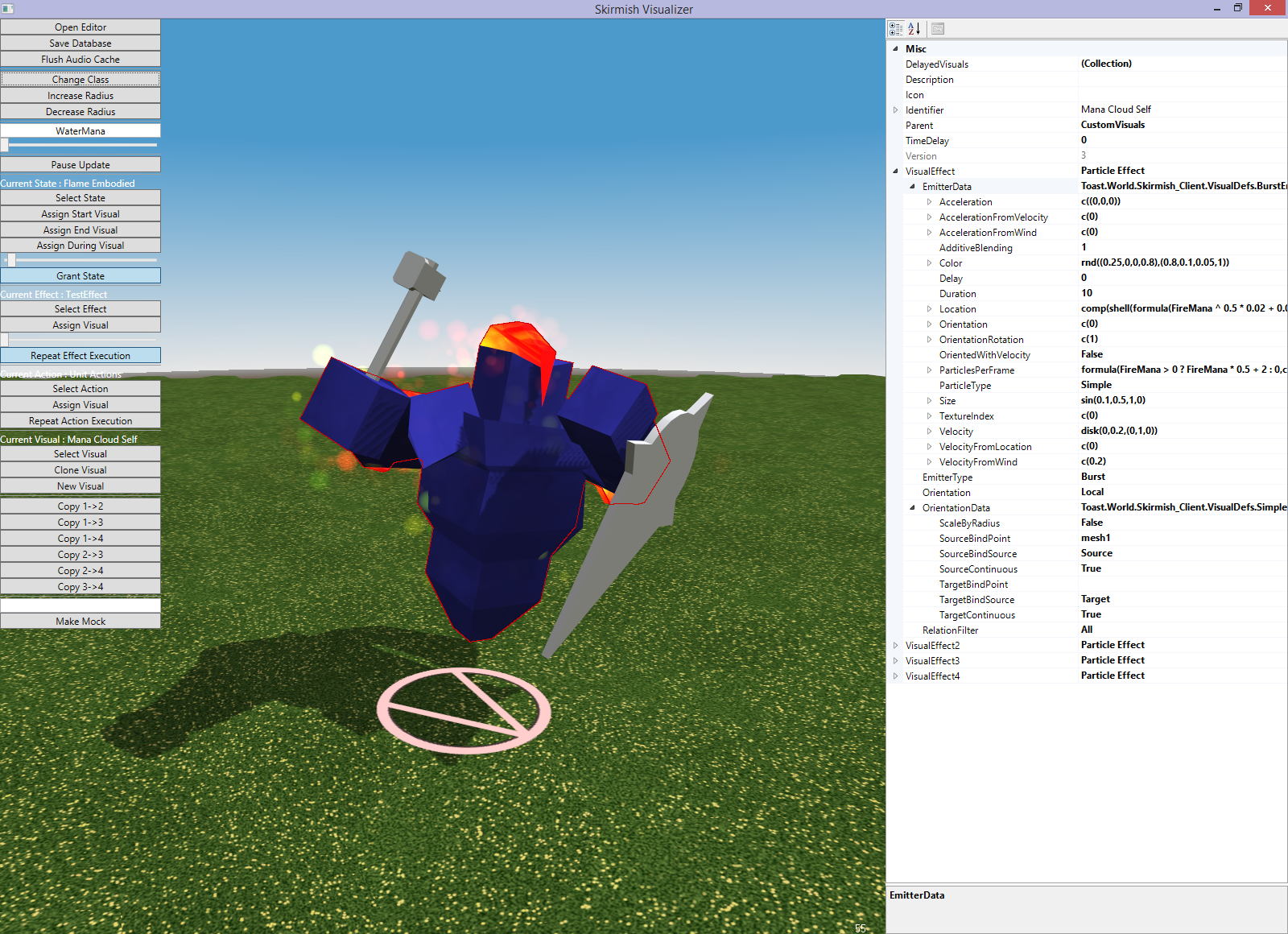
New Flame Elemental Skin, version 1
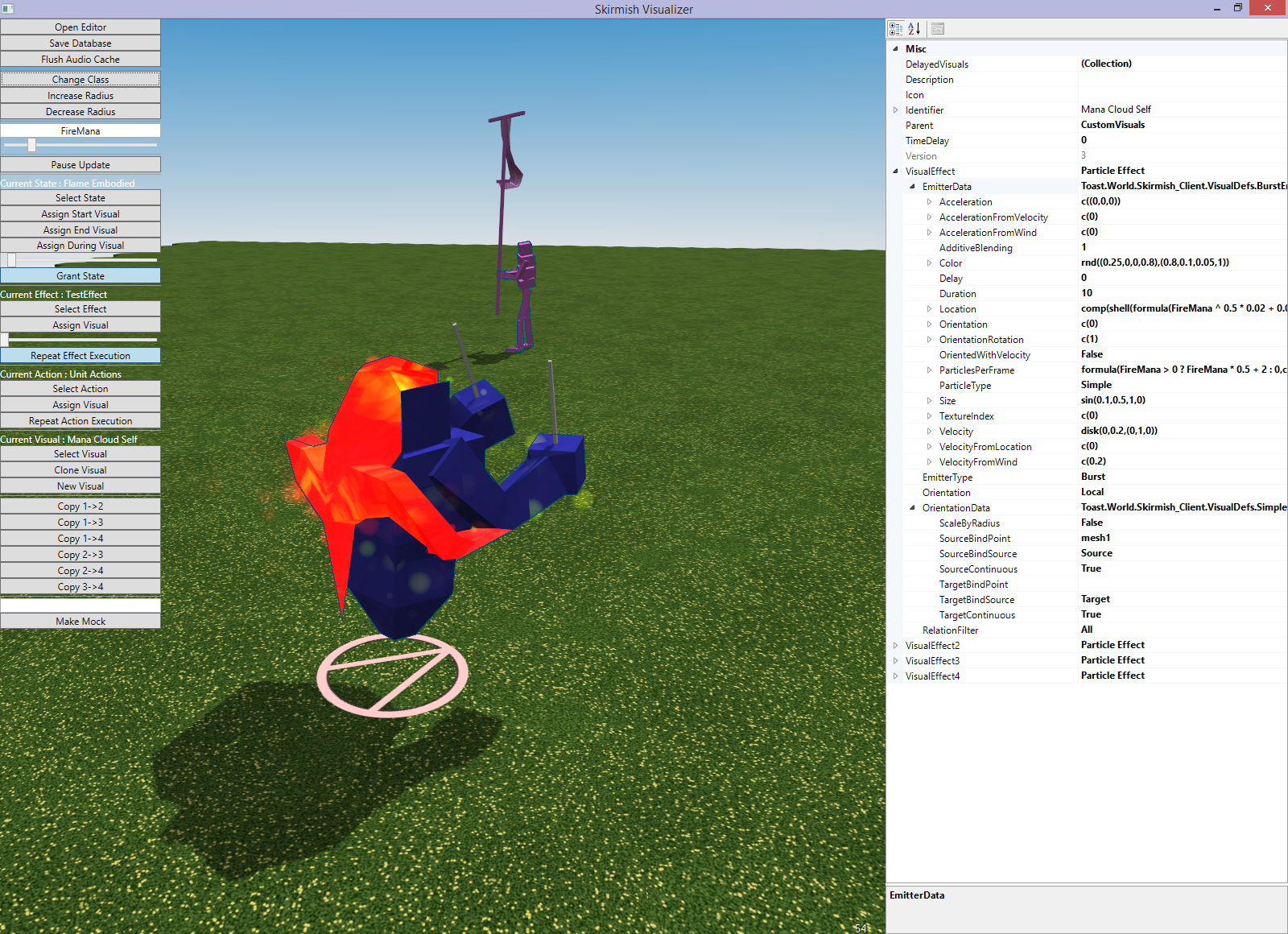
Angle 2
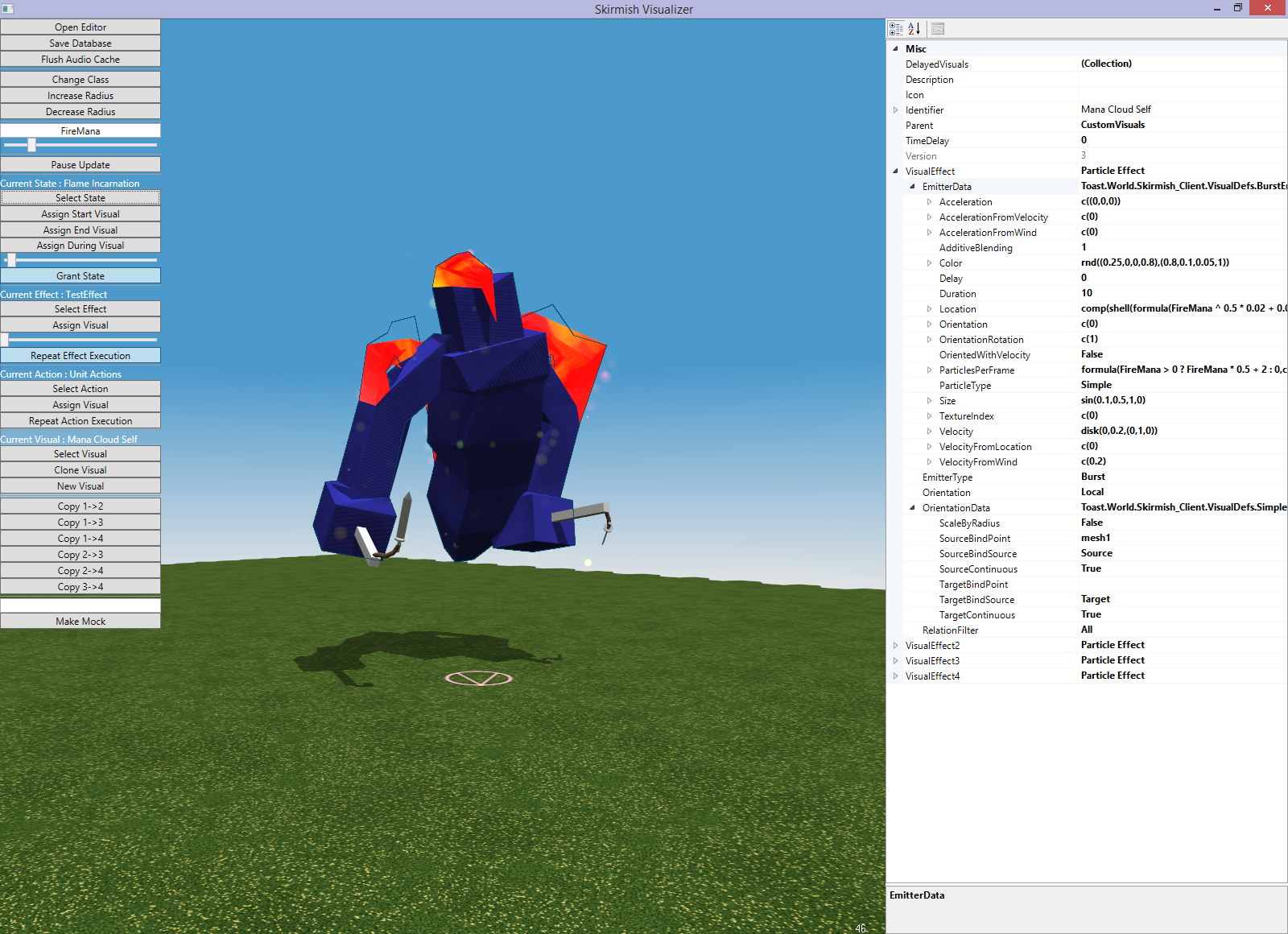
Angle 3

That's it for now. I'll do a thorough update when my head's less hurty.

Tuesday, April 21, 2015

Caravan Sculpting

Quick update here!

The tutorial revamp with new tech is complete. I did one sound pass (many more needed), added music queues, explosions from space, changed the ending section logic to work with the new terrain mana skills, and added some other fluff in other sections to make it a better experience.

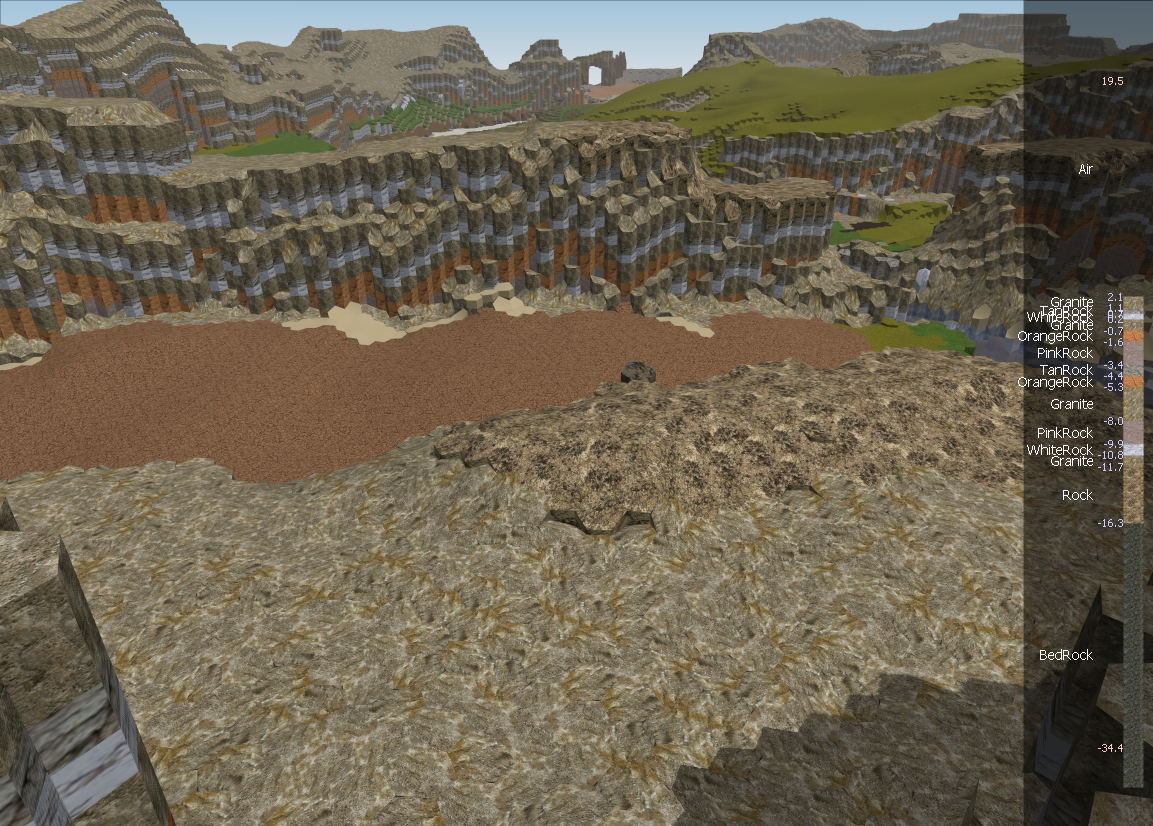
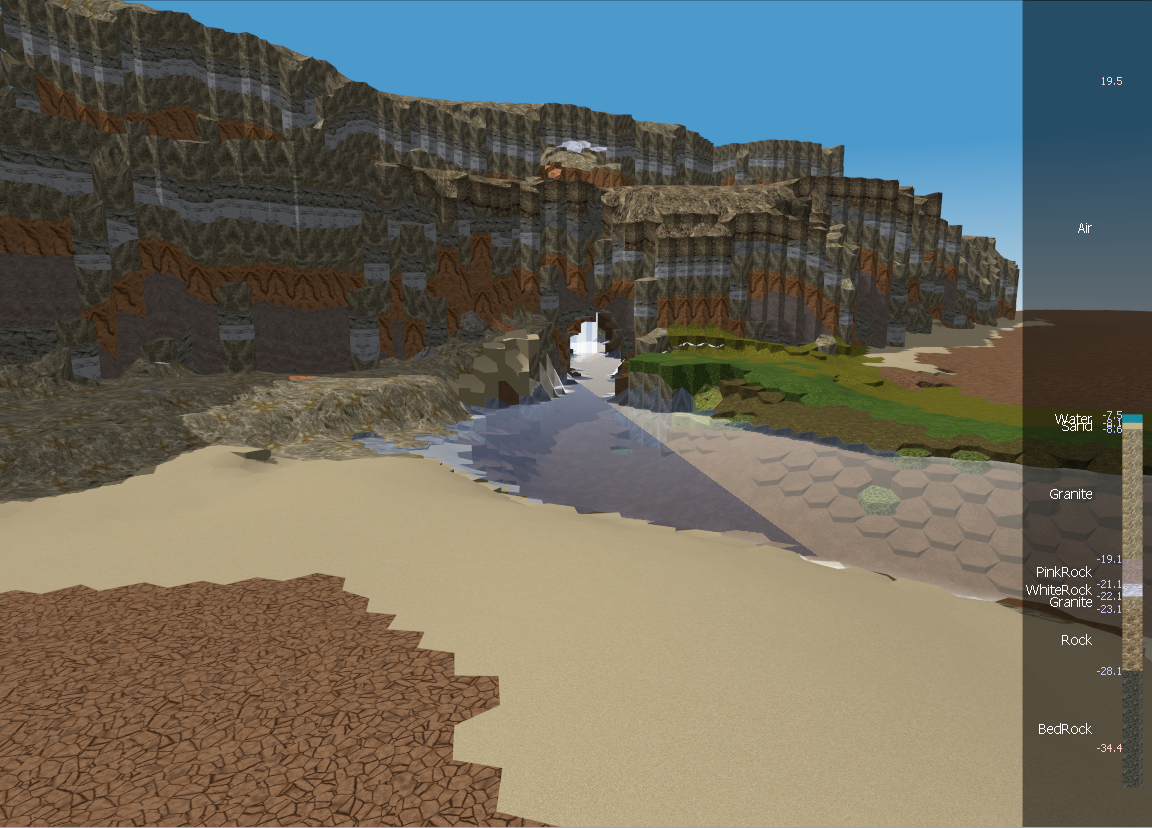
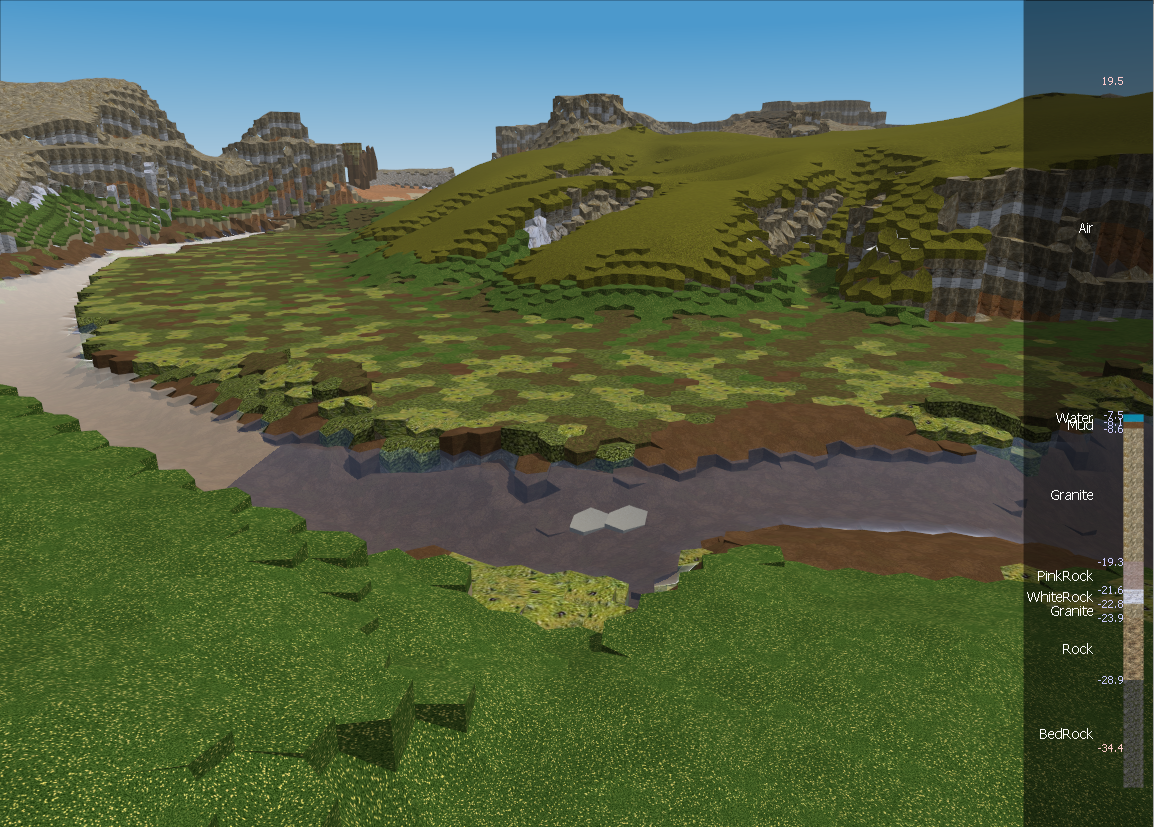
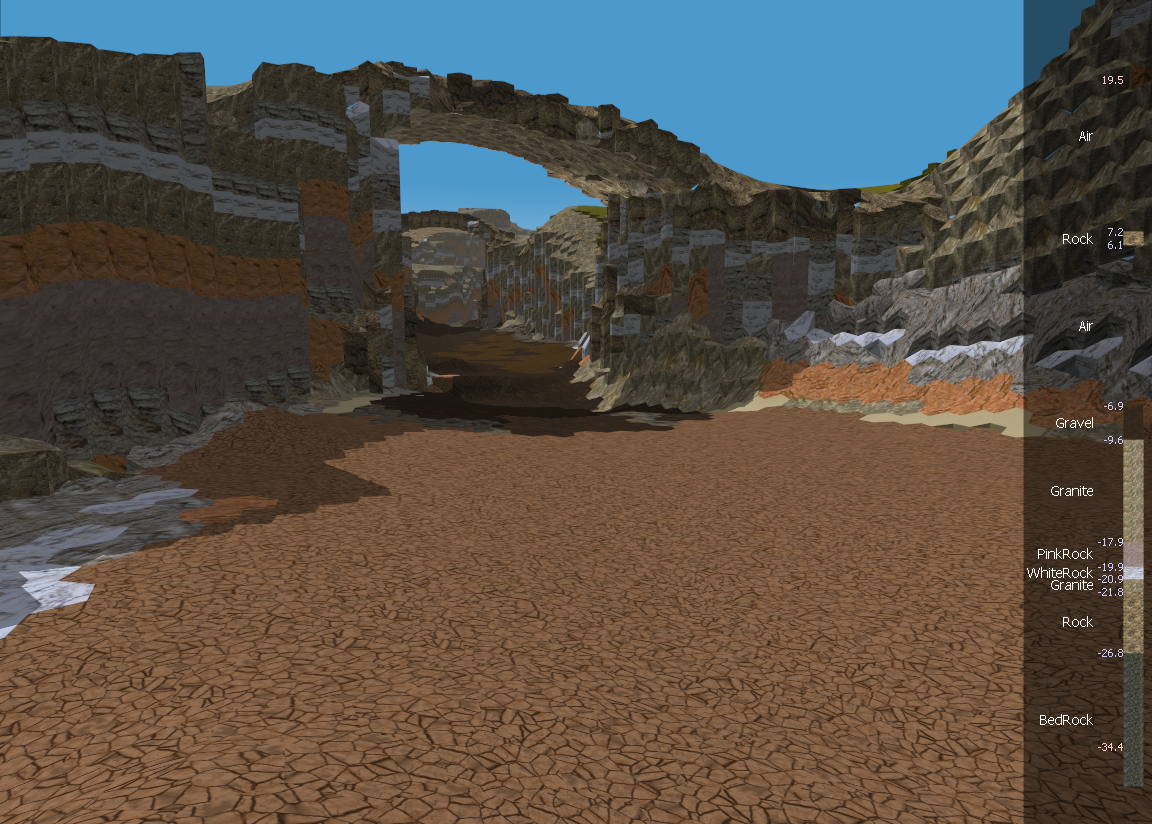
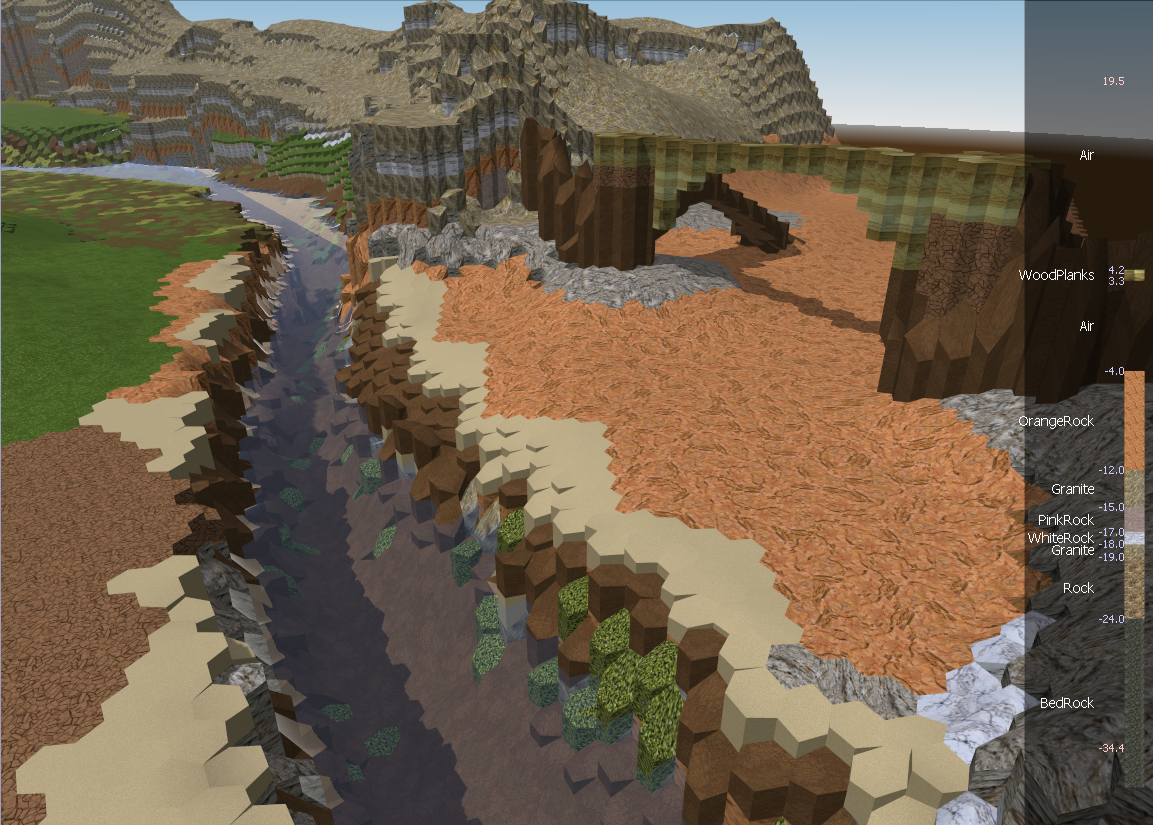
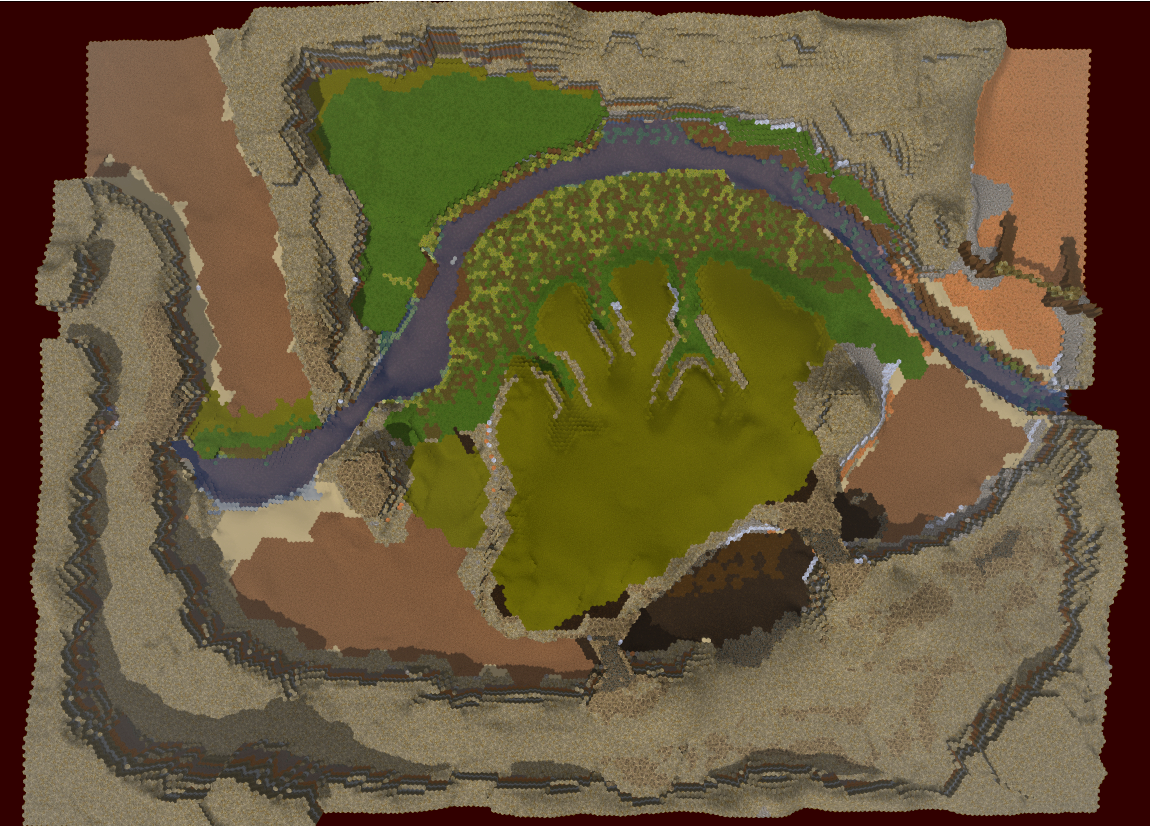
Caravan work is beginning in earnest! I built some new editor tools to alleviate some of the pain; namely, a flood fill terrain painter, a growing sphere-based sculpting tool, and a visualizer for a layer column so we can see how deep the materials really go, and what is down there.

Here are some new Caravan pics :)

http://redtoast.net/Images/Blog/CaravanEditor1/StartView.png
http://redtoast.net/Images/Blog/CaravanEditor1/DownRiver.png


Monday, April 6, 2015

2 new tracks

Did some new piano recording with the new microphone. It's not the most inspired work but it's alright:

w_tut_first_main.mp3
w_com2.mp3

Let me know if you think the recording quality is any improved. I personally think it's a lacking a bit in the bass department, so I'll adjust the mic setup next time to try and capture more of the low ranges.

Both recordings have some note misses that are obvious to me and a bit painful; not the best session I've ever had, but people tell me not to worry about that sort of thing and to record anyway :) :p

Wednesday, March 18, 2015

On Programming Languages and Complexity

It's been awhile since I ranted a bit on programming methods. I've had some thoughts on languages recently that I want to write down to help solidify. Bear with me or skip this if languages aren't your thing.

In college I was taught in Java, with a bit of C, and even less of other languages like Python, ML, Prolog. I and Tristan learned C++ to write our first game. Later I took more software engineering courses and learned some new patterns for complicated projects. I wrote a pile of libraries in C++ and got a pretty good handle on it. At Bunkspeed I continued with C++ but we pretty quickly replaced that with C#, which I worked with from version 1.1 until I left. World has been almost entirely C# since its inception in 2007. Now for work I'm working with C++ again, now for approaching 2 years.

So I have a pretty good comparison now of C++ and C#, both used for larger codebases. Bunkspeed's main product was pushing 600k, my current work is around 1M, and the World project is around 150k. I admit I do have better experience in C#; I try to keep that in mind.

I firmly believe that what you can do in one you can do in the other. The limitations of both can be circumvented to achieve the same ends.

 C# has the reputation of being slow, and the problem of being single platform and having a harder time interacting with 3rd party libraries (which are usually native). The slowness problem I think is a red herring; optimizing is usually done at the algorithmic level, which is indifferent to language. The GC and memory management can be controlled if you desperately need to, but honestly you do not. .NET Native coming out soon should alleviate the rest of whatever performance issues exist.  The single-platform issue is improving with Mono and recent C# changes announced by Microsoft. The third party library issue is more complicated and I don't know of a good solution. P/Invoke is not a good solution, nor is C++/CLI.

C++ has the reputation of being fast and powerful, but complex, low-level and imprecise. The low-level issue can be resolved by writing code within C++ to add high-level features. C++ code MUST manage memory, and so large C++ codebases MUST write something to track pointers and allocations. In the end these systems approximate garbage collection, and they work. By 'imprecise', I mean that there are often unanswerable questions, the answers for which are not apparent immediately in the code. The size of pointers and integers, the nature of strings, how 'out' parameters are passed, naming conventions, includes ordering, namespace management, smart-pointer management, etc. All of these things have to be handled in some way by the programmer. And they can be with great grace and power, but they must be handled.

Herein lies my point. C#'s failings are fixed by external structure. C++'s failings are fixed by internal structure.

The upper limit of manageable complexity in C++ is lower, because some of that manageable complexity is ubiquitous and cannot be ignored. When writing in a large C++ codebase, you cannot forget about the internal structures that handle C++'s limitations. Every last line needs additional consideration as you ponder string encodings and which of 6 ways to declare your pointers (smart, shared, dumb, reference, constness, etc...).

The upper limit of manageable complexity is higher in C# than in C++, because when the structure becomes more complicated, the code does not. The complexity is managed in a parallel way, a way that does not impact the programmer when trying to read and understand a lone function.

Maybe with time I'll be able to background the necessary considerations in C++ and be able to acheive similar productivity. Or maybe I'm just spoiled by the cleanliness of C# lambdas, extensions, and continuations. The only thing to do is to try and see if I can get there. Tsuyoku Naritai indeed.